Start here
You sit down to watch a game or a new show, only to find it needs another subscription. Add that to the services you already pay for, and watching TV starts to feel like managing a stack of bills.
CherryBox C6 Plus gives you a different way to watch. Buy the box once, and watch the channels, movies and shows listed on our website without monthly fees or program subscriptions. You still pay your internet provider for your home internet service.
If you are wondering how to choose a TV box, consider the programs you want, what you will pay after buying it, how it fits your viewing routine, and who will help when you need support. The sections below show how CherryBox C6 Plus answers each of those questions.

Another show, another subscription?
It can start with just one service. Then there is a sports package for the season, another subscription for a series, and a cable bill you are still paying because someone at home watches the local news.
With C6 Plus, the channels and on-demand content listed on our website are included after you buy the device. You do not need to add another program subscription to watch those movies, shows or listed sports programs.
That makes the purchase easier to understand: you are getting a box with content to watch, rather than starting another monthly content bill. You can find the current device price and purchase options on the CherryBox C6 Plus page.
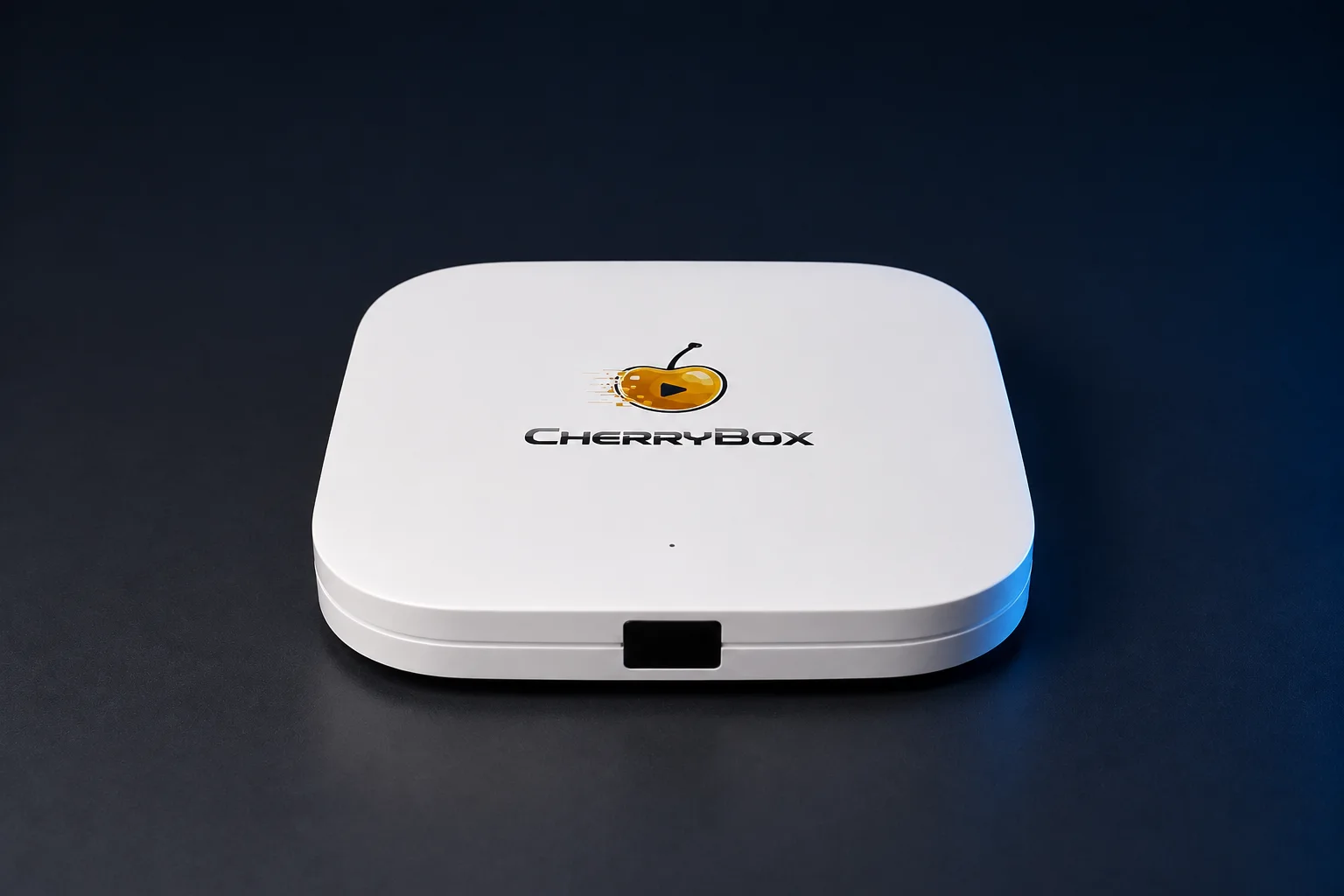
Meet CherryBox C6 Plus
See the device, current price and purchase options.
View C6 Plus & buy- 60-day returnsFrom delivery
- 1-year warrantyLimited hardware coverage
- 24/7 supportReal people to help
A streaming box for live TV and movie nights
What you feel like watching changes from one evening to the next. There might be a live game tonight, a movie with the family tomorrow, and a series you want to return to over the weekend.
C6 Plus brings those choices to your television. Its home screen has dedicated LIVE, VOD and SERIES entries, alongside REPLAY for catch-up viewing.
Our public directory includes 3,420 channels and programs across 36 categories. The on-demand collection offers more than 10,000 movies and TV shows.
The useful part is having choices for the way your household watches. You can spend an evening with live television or choose something on demand when everyone is ready. The channel directory lets you look up the particular channels and programs you care about.
Tell us what you want to watch
A long list of channels means more when it includes the one you look forward to watching. Perhaps that is your local news, a sports channel you follow, or a show someone in your family keeps asking about.
If you cannot find the channel or program you want, send us your request. Tell us its name so we know exactly what you are looking for. We will add it within seven business days of receiving your specific request.
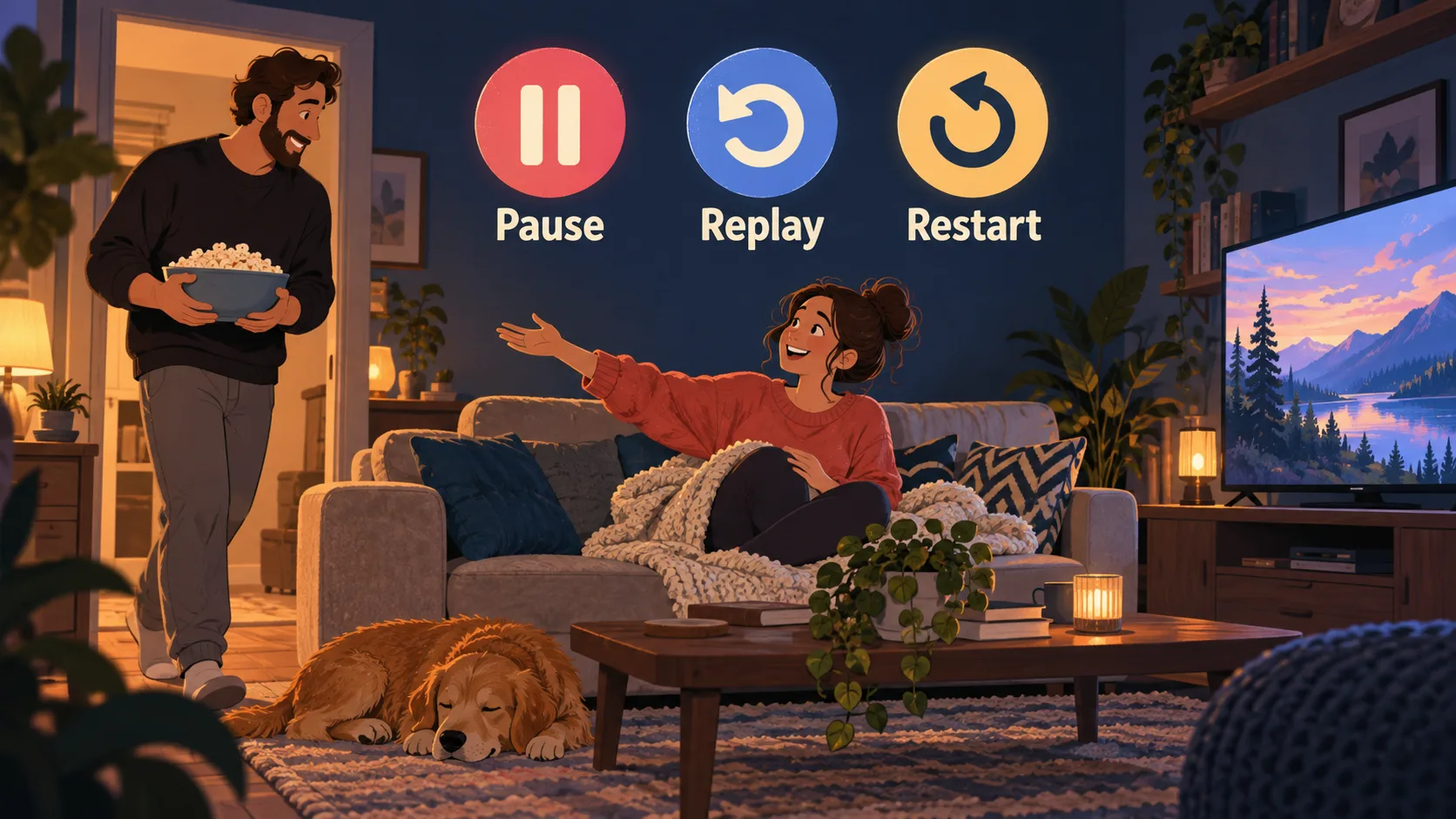
Missed the start? Watch from the beginning.
Dinner runs late, the phone rings, or you sit down after a program has already started. C6 Plus gives you ways to watch around those interruptions.
Restart lets you begin a live program from the start. Catch-Up TV lets you return to programs that have already aired. Live TV Time-Shift lets you pause and rewind live television when you need a moment away from the screen.
And when you would rather choose the whole evening yourself, on-demand movies and series are there to watch on your schedule. These are practical reasons to choose a TV box: more control over when you watch the content you enjoy.
Get ready for your first evening
You want to watch TV, not spend the evening finding a separate viewing service or configuring a playlist. C6 Plus provides built-in viewing entries and needs no CherryBox account or activation code. Once the box is online, opening LIVE and VOD for the first time prompts their initial download. Our setup guide walks you through getting started, and our team can guide you if you need a hand.
Help is a message away
If you are buying a TV box for the first time, it is reassuring to know who to ask when you need help. CherryBox has human support available 24 hours a day, seven days a week, to guide you through questions about setup and use.
You can contact us about something you want to watch or ask for help with your box. Our team is there to guide you, so you can get back to enjoying your television.
Buying directly from CherryBox gives you a clear place to turn after your order. Our website provides device verification and a dedicated returns and warranty service, so you know where to check your device and request after-sales help.
About this guide
Written by CherryBox using C6 Plus product information and our customer support services.