Start here
When you are choosing a streaming device for seniors, you want more to watch without making every evening a lesson in menus and apps. Your parents want to turn on the TV and enjoy their usual programs.
With CherryBox C6 Plus, waking the box from standby brings them back to the channel they were watching. If they end up on the wrong screen, the Home button takes them back to the main screen, where they can open the built-in viewing app again.
And when they need a hand, they can contact our support team for guidance, 24 hours a day, seven days a week. They have someone to ask even when you are not there.
Keep their favorite programs part of the routine
A new box should give your parents something they look forward to using. Keeping the programs they enjoy is a big part of that, whether they prefer local news, live sports, movies or a familiar series.
CherryBox gives your parents access to a public directory of 3,420 channels and programs across 36 categories, plus more than 10,000 on-demand movies and TV shows. They can keep up with familiar programs and find something new to enjoy. If a channel or program they want is missing, tell us its name. We will add it within seven business days of receiving the specific request.
Keeping their favorite programs does not have to mean adding another monthly content bill. After buying C6 Plus, your parents can watch the channels, movies and shows listed on our website without monthly fees or program subscriptions. That brings the content they enjoy into a one-time device purchase. They still pay their internet provider for their home internet service. Our TV box buying guide explains the content and fee arrangement in more detail.
Turn it on and return to the channel they were watching
A familiar channel can be part of the daily routine: the morning news, an afternoon program, or something to watch after dinner. Having to find it again every time adds an unnecessary step to sitting down and enjoying TV.
C6 Plus uses standby for everyday use. When your parents wake the box from standby, it returns to the channel they were watching before. They can settle back into their program without going through the home screen and finding that channel again.

Voice control TV for elderly parents: search without typing
Your parents know what they want to watch, but entering its name means moving across an on-screen keyboard, selecting each letter and going back to fix mistakes. Finding a program should not take more effort than enjoying it.
The C6 Plus remote supports English voice search, so they can speak their search instead of typing it letter by letter. That gives your parents an easier way to look for something to watch. Our support team can help them get started with the voice button.
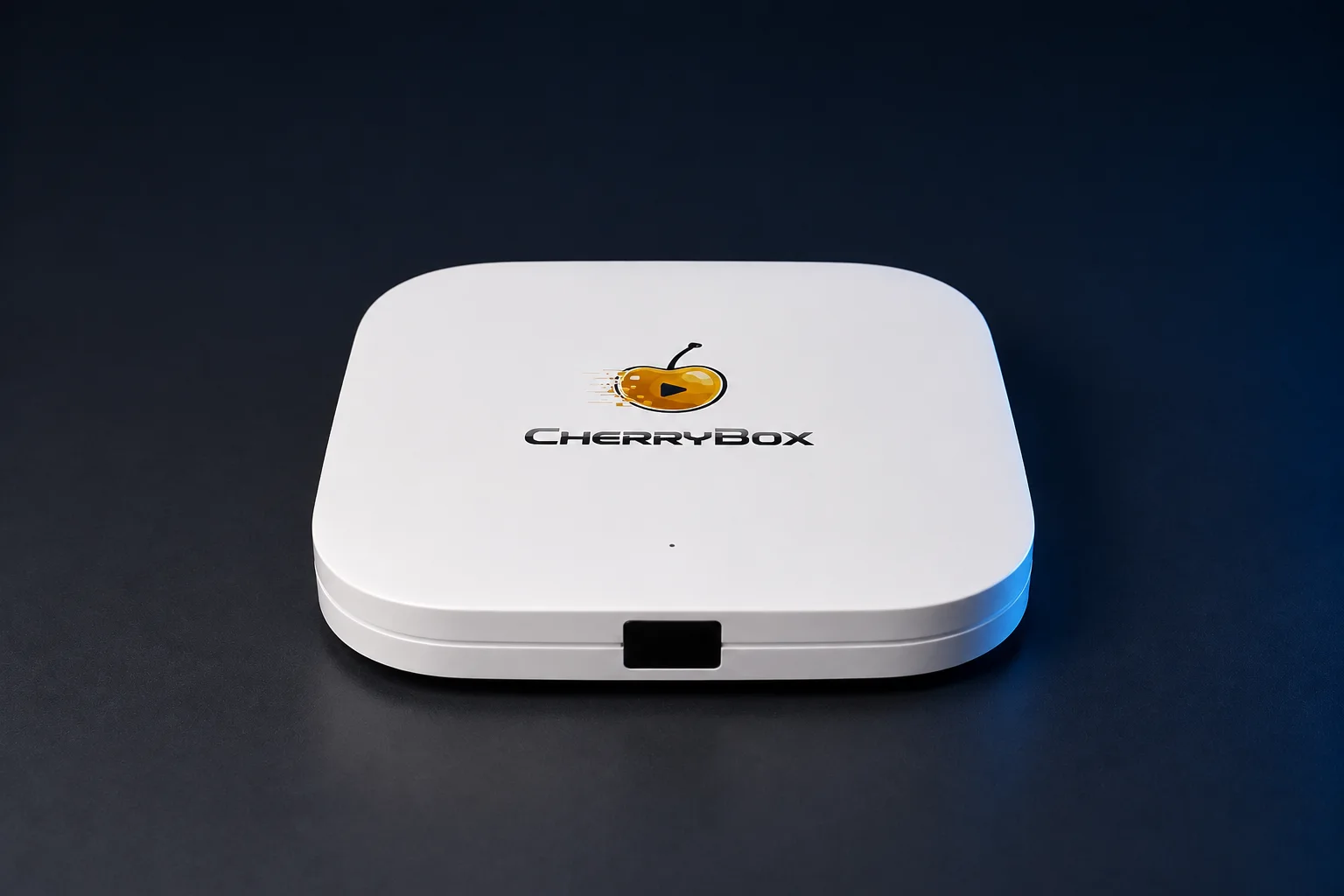
Meet CherryBox C6 Plus
See the device, current price and purchase options.
View C6 Plus & buy- 60-day returnsFrom delivery
- 1-year warrantyLimited hardware coverage
- 24/7 supportReal people to help
No CherryBox account or activation code to arrange
You are helping your parents get ready to watch, but the screen asks them to create an account, choose a password and find a verification email. They just want to see their usual program. With CherryBox C6 Plus, there is no CherryBox account to create or activation code to enter. Setup is simple enough for them to connect the box and start watching on their own.
Our setup guide covers getting the box connected and ready. Once it is online, the LIVE and VOD entries appear; opening them for the first time prompts the initial download. That first-time setup prepares the viewing apps for everyday use.
Someone to ask when they need a hand
Choosing a TV box for elderly parents does not mean you are always nearby when they have a question. They might need guidance while you are at work, or want to ask about a program when you are away.
CherryBox provides human support 24 hours a day, seven days a week. Your parents can contact our team for guidance on using the box, and you can contact us on their behalf too.
Meet CherryBox C6 Plus to see the device and purchase options. If you would like to discuss what your parents watch, talk to us about TV for your family.

About this guide
Written by CherryBox using C6 Plus product information and our setup and support guidance.